
Inbox & Calls
Methods to Make Calls
1. Contacts Page: - Navigate to the Contacts page. - Open the contact you wish to call. - Click on the call button associated with the contact. !Image 1. CRM Tickets: - Open the CR…
Updated Apr 15, 2026
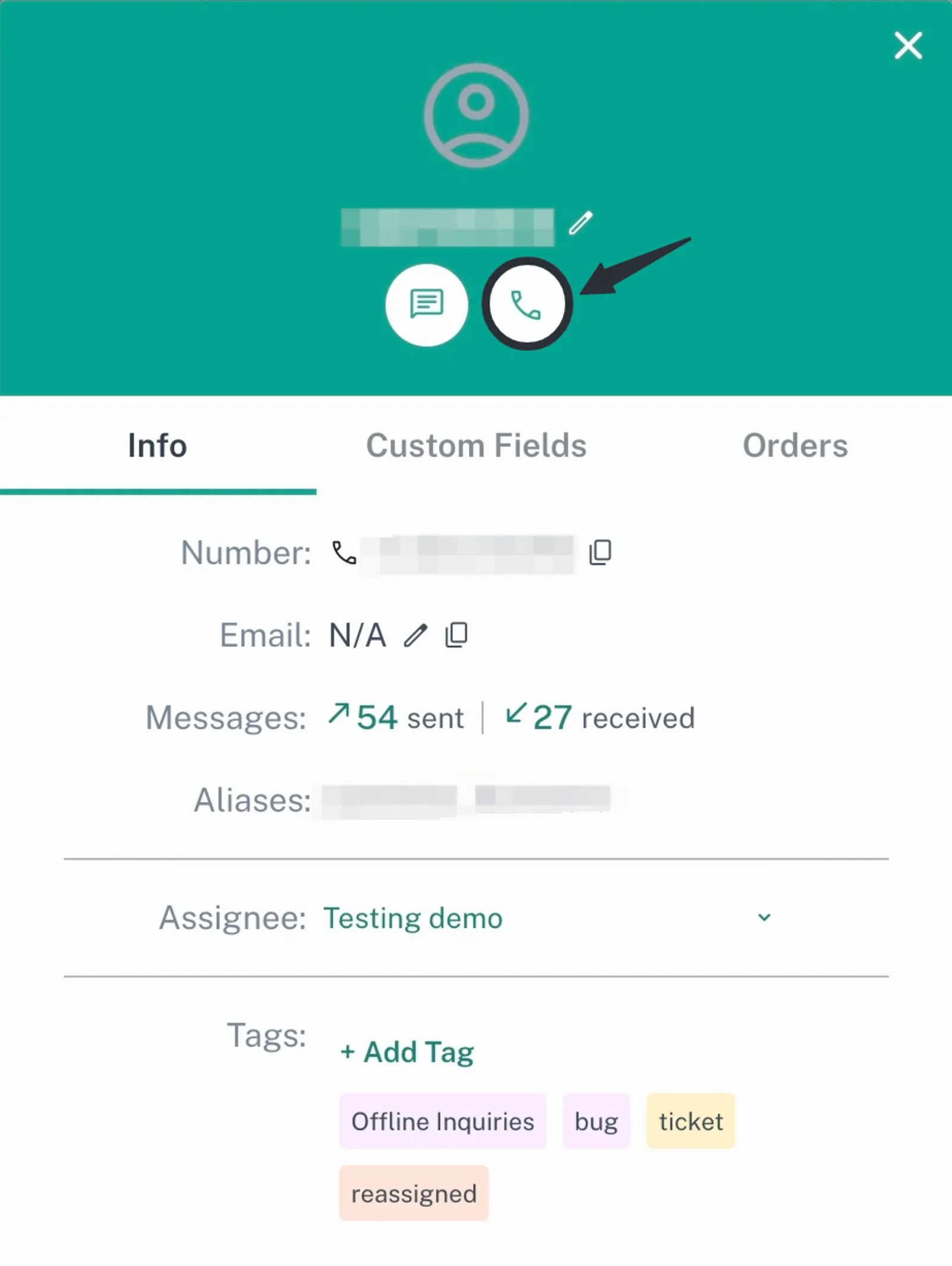
- Contacts Page:
-
Navigate to the Contacts page.
-
Open the contact you wish to call.
-
Click on the call button associated with the contact.
- CRM Tickets:
-
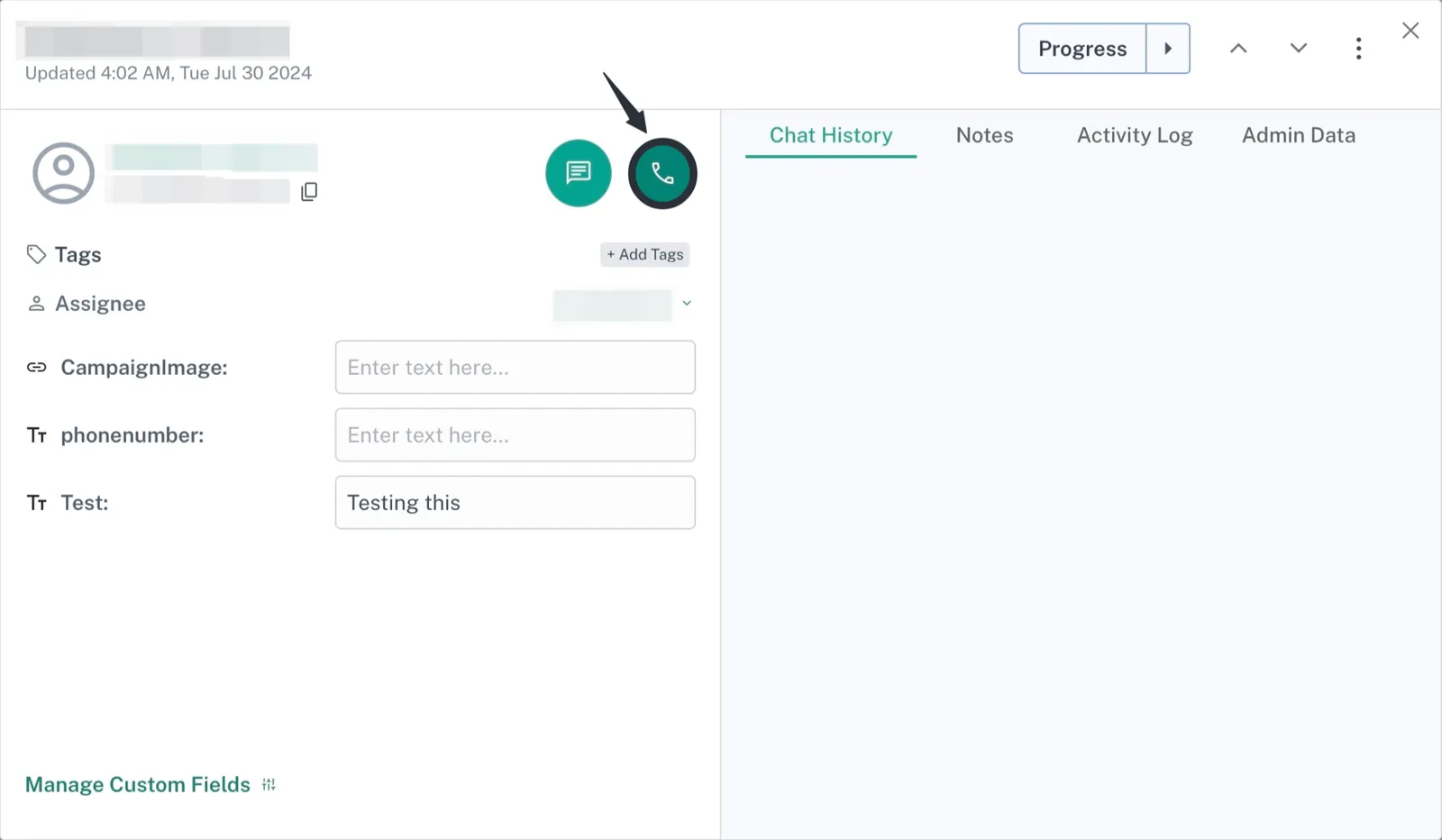
Open the CRM Tickets page.
-
Locate the ticket associated with the contact you want to call.
-
Click on the call button within the ticket to initiate the call.
- Inbox:
-
Go to the Inbox page.
-
On the top right of each chat with a contact, there is a call button.
-
Click on this button to start a call with the contact.

Feedback
Was this article helpful?