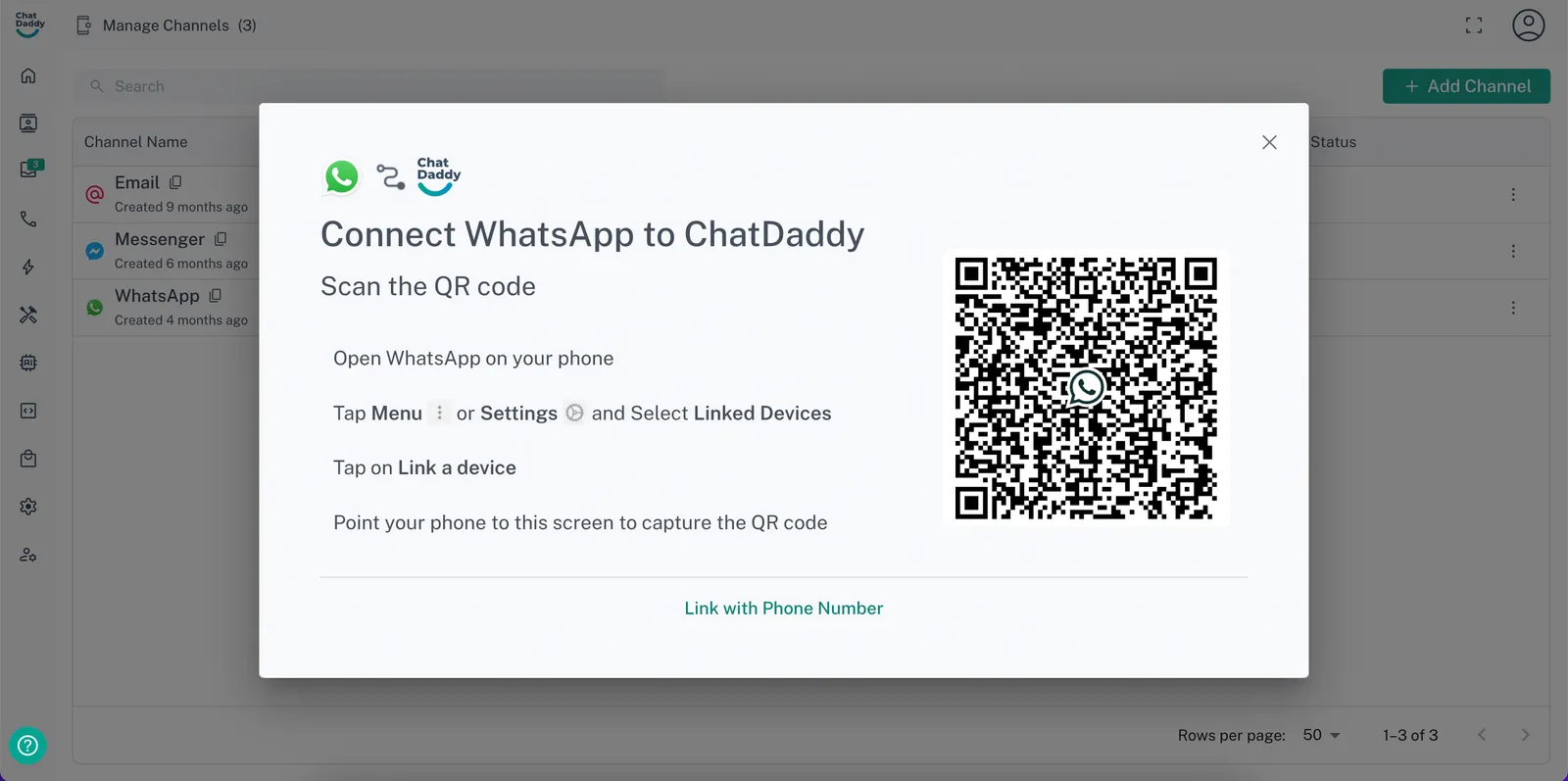
How to Change the WhatsApp Phone Number Connected to a Channel
Changing the WhatsApp phone number connected to a channel in ChatDaddy is a straightforward process. Follow the steps below to ensure a seamless transition: Step 1: Login to ChatDa…
Changing the WhatsApp phone number connected to a channel in ChatDaddy is a straightforward process. Follow the steps below to ensure a seamless transition:
Step 1: Login to ChatDaddy with your Phone Number and Password
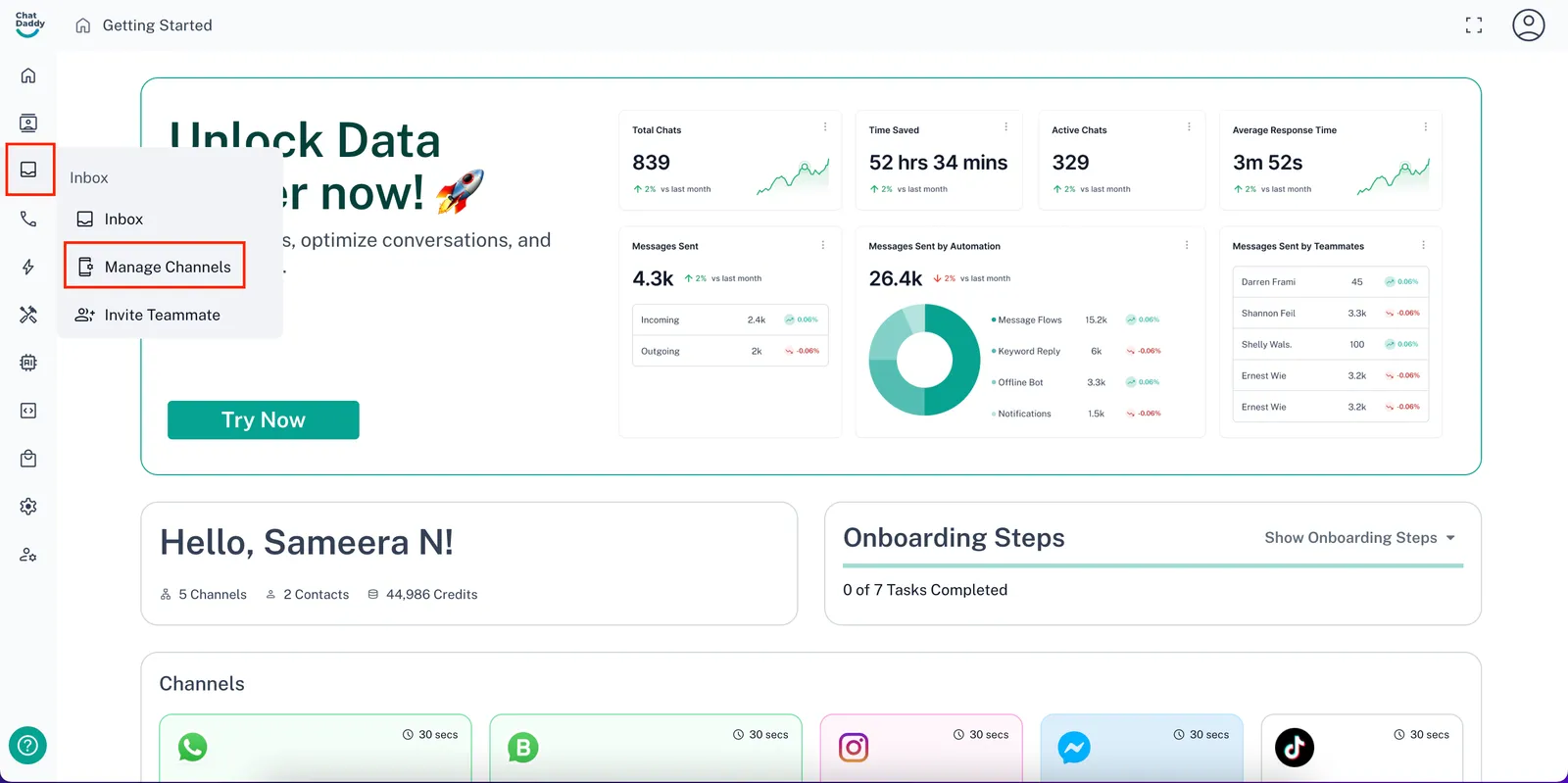
Step 2: On the ChatDaddy dashboard, hover over the menu on the left-hand side. Find the “Inbox” section and the click “Manage Channels”
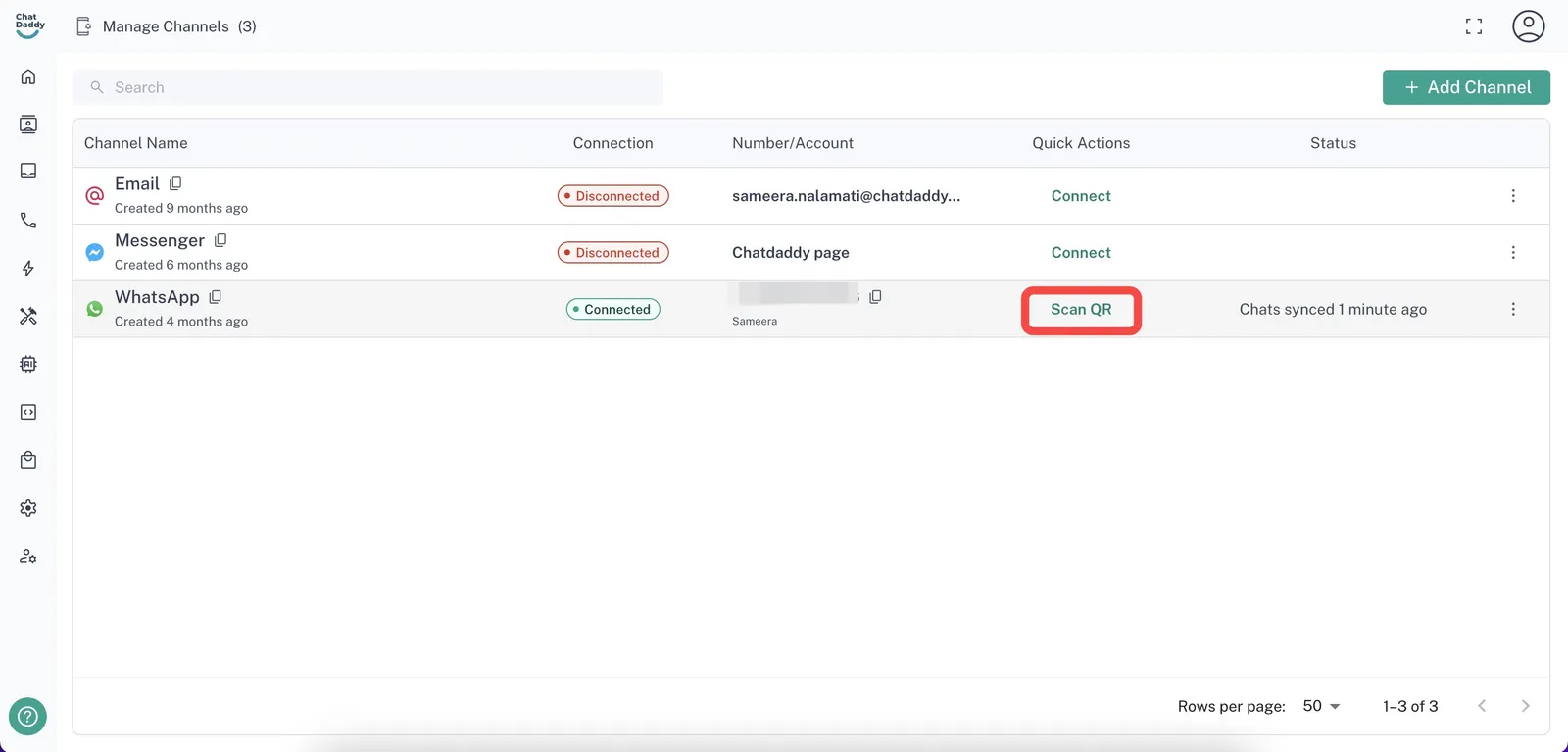
Step 3: Locate the channel that you want to change the number for and click “Scan QR”
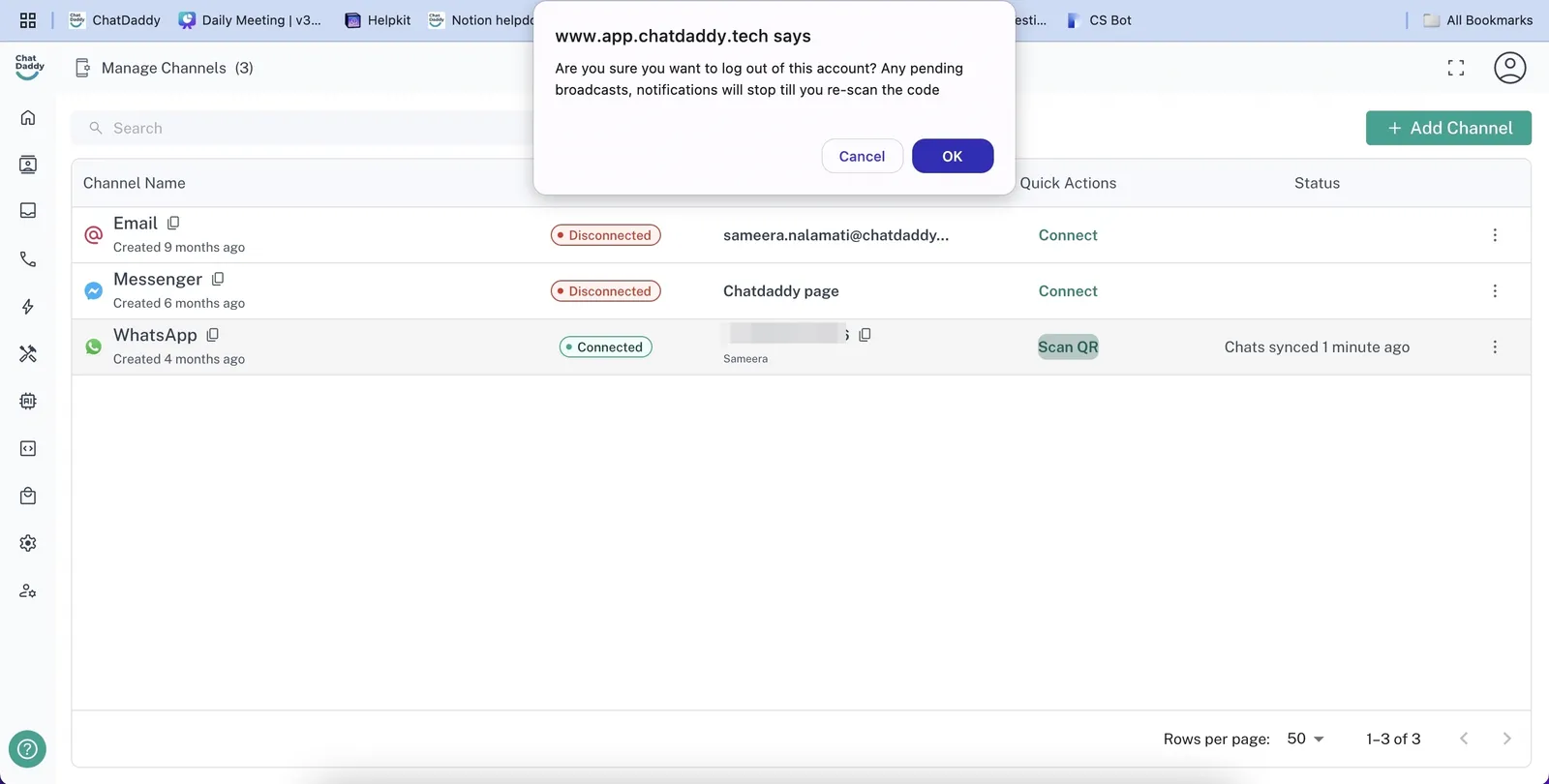
Step 4: You will be prompted to disconnect your current phone number. Click “OK”.
Step 5: Scan the QR with your new phone number and you have your new channel connected!