How to Signup/Login to ChatDaddy?
Logging in to ChatDaddy is a straightforward process that allows you to access and manage your messaging platform efficiently. By logging in, you can connect with your contacts, ut…
Logging in to ChatDaddy is a straightforward process that allows you to access and manage your messaging platform efficiently. By logging in, you can connect with your contacts, utilize automation features, and track your communications all in one place.
Signing Up for ChatDaddy
You can sign up for ChatDaddy using your email/phone and password or through your Google credentials. Follow the instructions below based on your preferred method.
Sign Up
Step 1: Head to ChatDaddy https://app.chatdaddy.tech
**Step 2: **Click「 Sign Up 」
Step 3: Fill in your details and register.
Alternatively, you can also use your Google Credentials to Sign Up.
Login
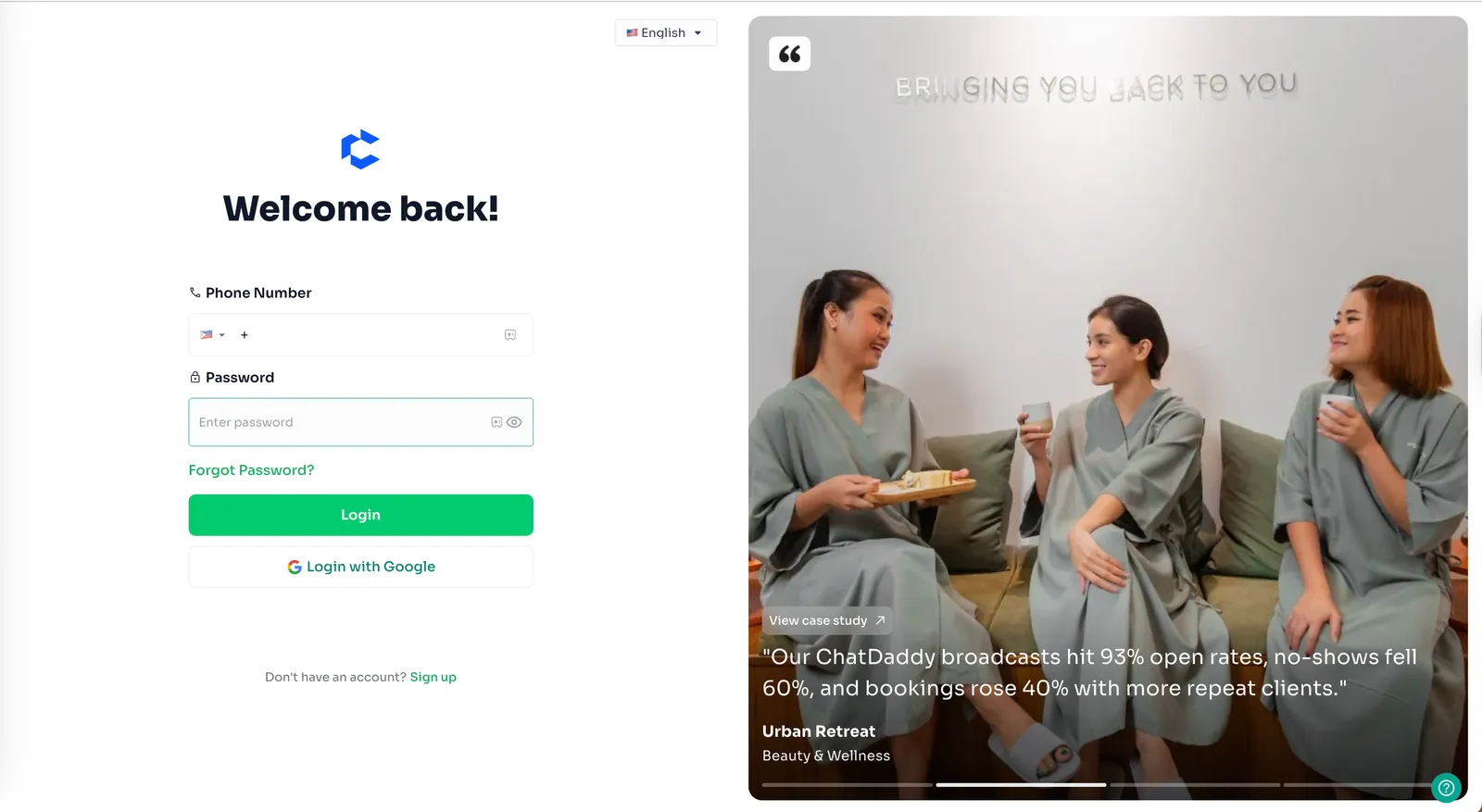
**Step 1: ** Go to ChatDaddy https://app.chatdaddy.tech, and simply input your Phone Number and Password and click “Login”.
or Use the “Sign in with Google” Button, in case you signed up using Google.