
Viewing Poll Voters
🔍 To see who voted on a poll: 1. Hover your mouse pointer over the number displayed next to the poll option. 1. A list of voters who selected that option will appear. - WhatsApp R…
🔍 To see who voted on a poll:
-
Hover your mouse pointer over the number displayed next to the poll option.
-
A list of voters who selected that option will appear.
Important Notes
-
WhatsApp Restrictions:
-
✅ Button messages sent by WhatsApp Business API (WABA) accounts are 100% supported and reliably delivered.
-
⚠️ For regular WhatsApp and WhatsApp Business users, button messages can still be sent, but there is a chance that some recipients may not receive the message correctly.
-
-
Recommendation for Non-WABA Users:
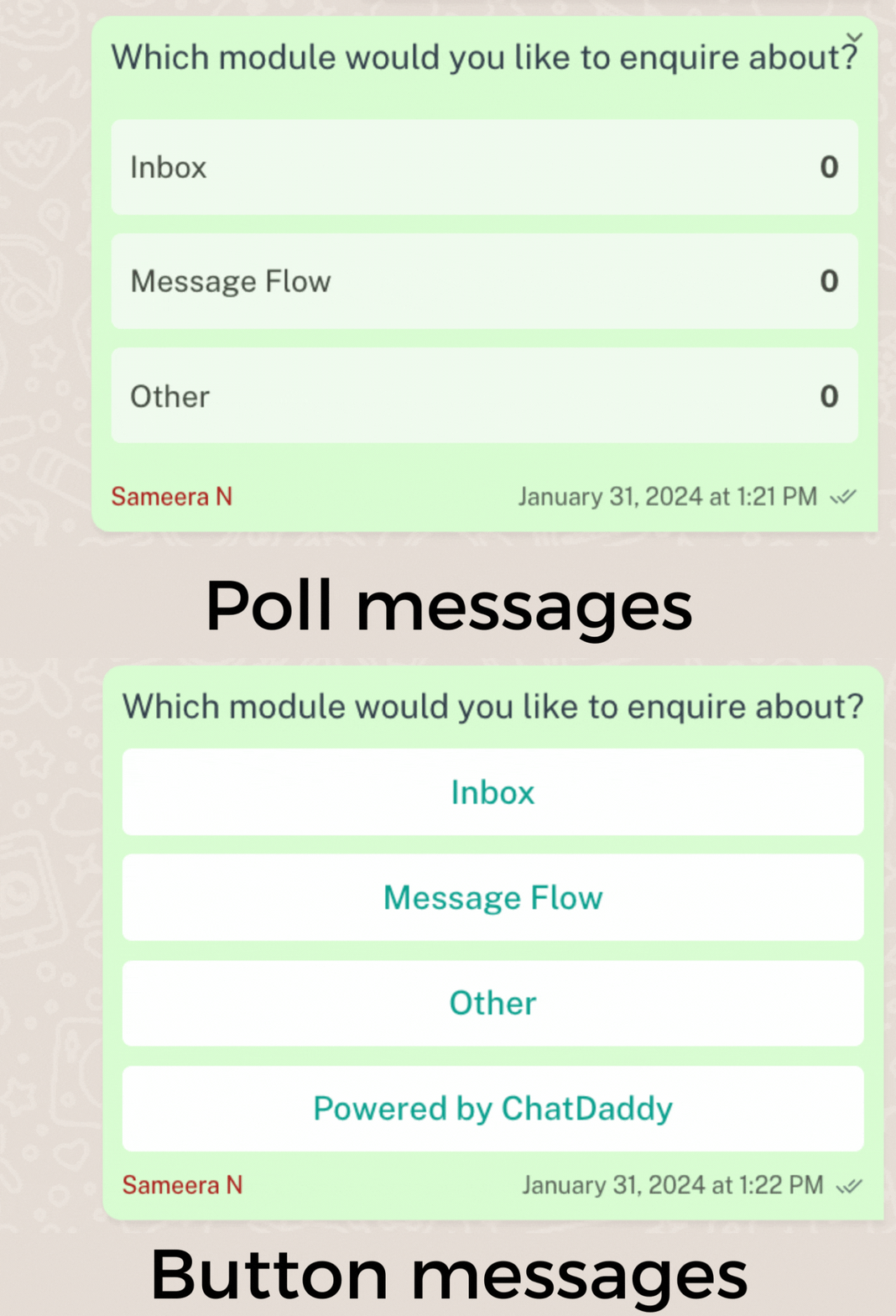
- 💡 To ensure higher delivery accuracy, non-WABA users are encouraged to enable the "Send Button Messages as a Poll" option. This approach mitigates delivery issues by converting buttons into a poll format, which is more reliably supported across all account types.
FAQ
Why doesn’t the flow work when I send it to myself (same sender and receiver number)?
Many WhatsApp automation tools and flow builders restrict interactions where the sender and receiver use the same contact number. This is often intentional to prevent accidental loops, spam, or misuse of the platform.