
Getting Started
How to switch teams in ChatDaddy
If you have multiple teams in Chatdaddy, you can switch between them by following these steps: Step 1: On your ChatDaddy page, on the top right corner, click the User Icon. Step 2:…
Updated Apr 15, 2026
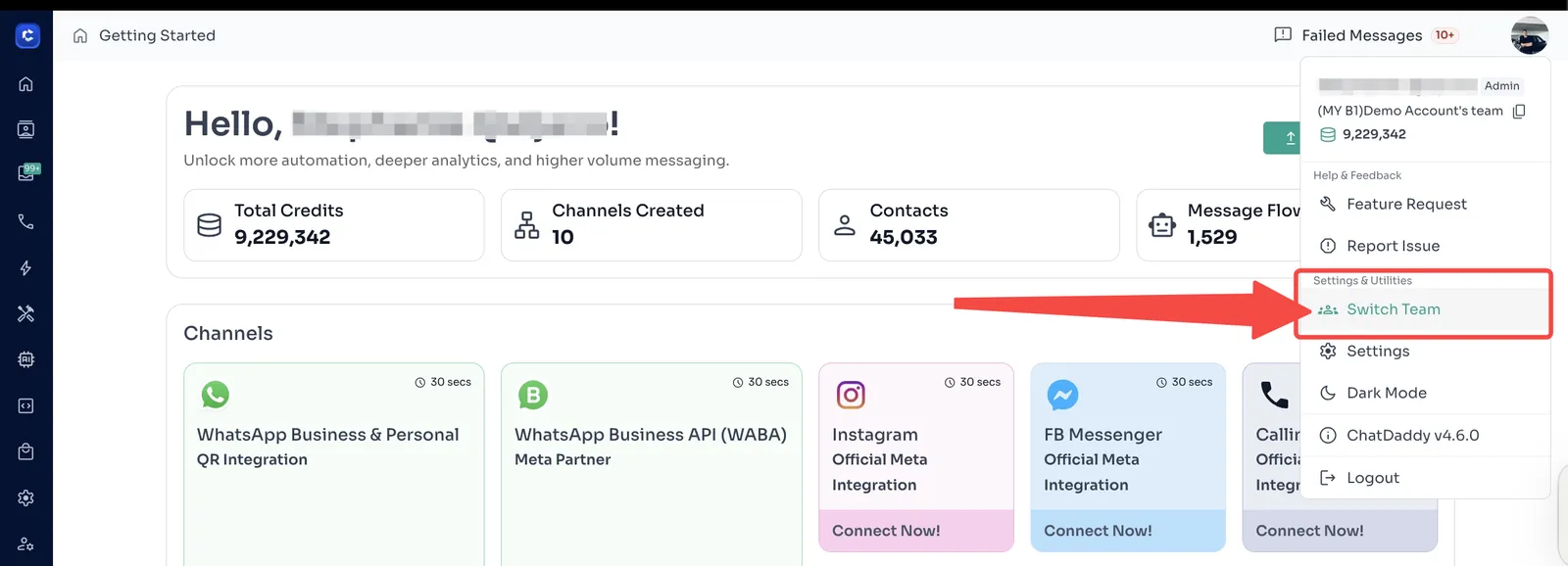
If you have multiple teams in Chatdaddy, you can switch between them by following these steps:
Step 1: On your ChatDaddy page, on the top right corner, click the User Icon.
Step 2: Click Switch Team. Then, switch to team by using the team name or the correct Team ID.
Feedback
Was this article helpful?