
Tools
How to use the ChatDaddy QR Generator?
Video Steps 1. Open ChatDaddy dashboard. 1. Locate "Tools" in the left menu. 1. Click QR Generator. 1. Dimensions - Select a pre-defined size or customize with size. !Image 1. Chan…
Updated Apr 15, 2026
Steps
-
Open ChatDaddy dashboard.
-
Locate "Tools" in the left menu.
-
Click QR Generator.
-
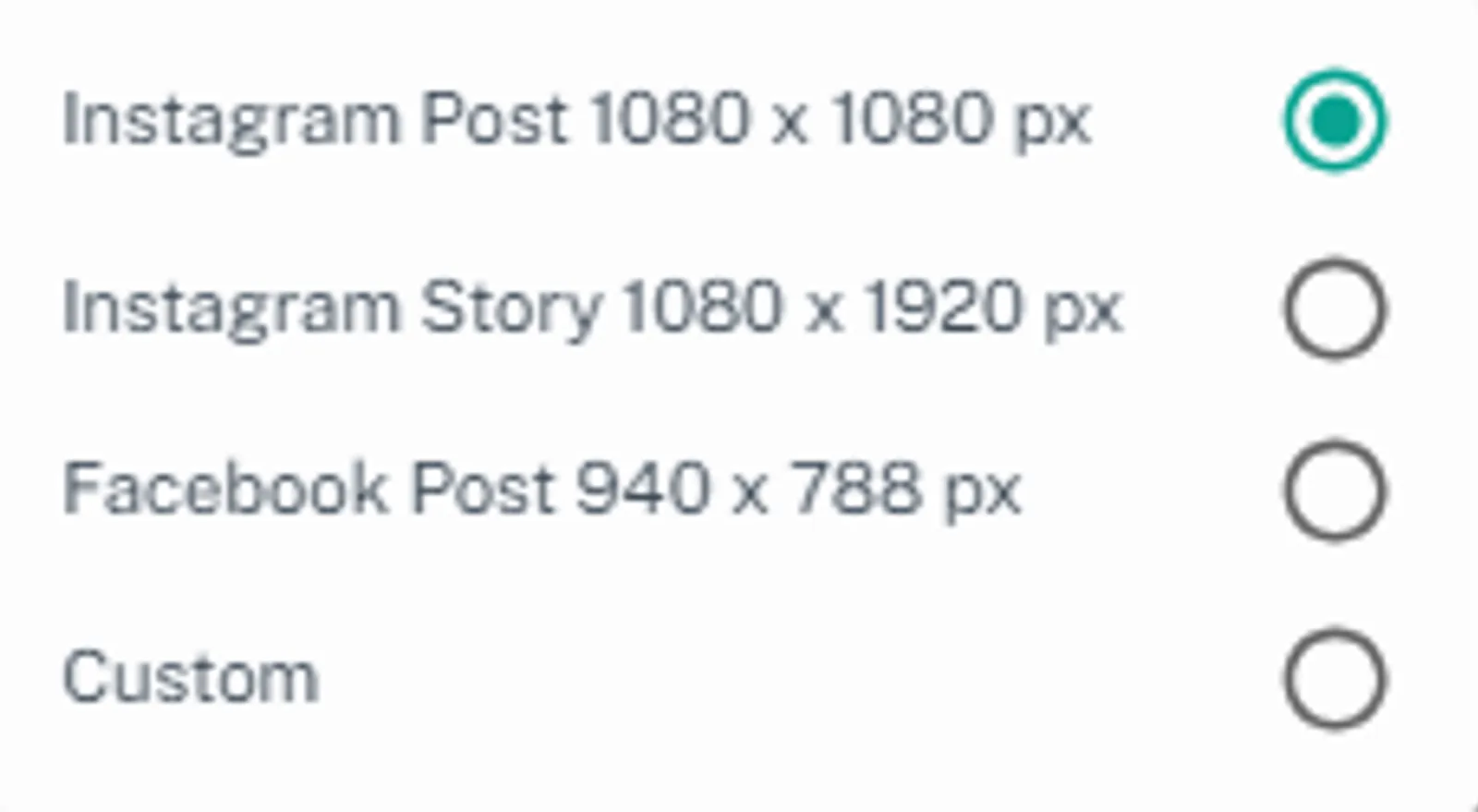
Dimensions
- Select a pre-defined size or customize with size.
- Channel
- Select the channel you want customers to message to.
- Pre-filled Message
- Craft a message that will automatically appear when a user scans the QR code and opens the WhatsApp chat. This helps initiate the conversation and embed specific keywords you might want.
-
Change Background Photo (Optional)
-
Caption (Optional)
- Add a call to action text displayed below the QR code.
-
Caption Text Color (Optional, if caption used)
-
Click Download to save the finalized QR code image.
-
Or you can copy the link generated.
Feedback
Was this article helpful?