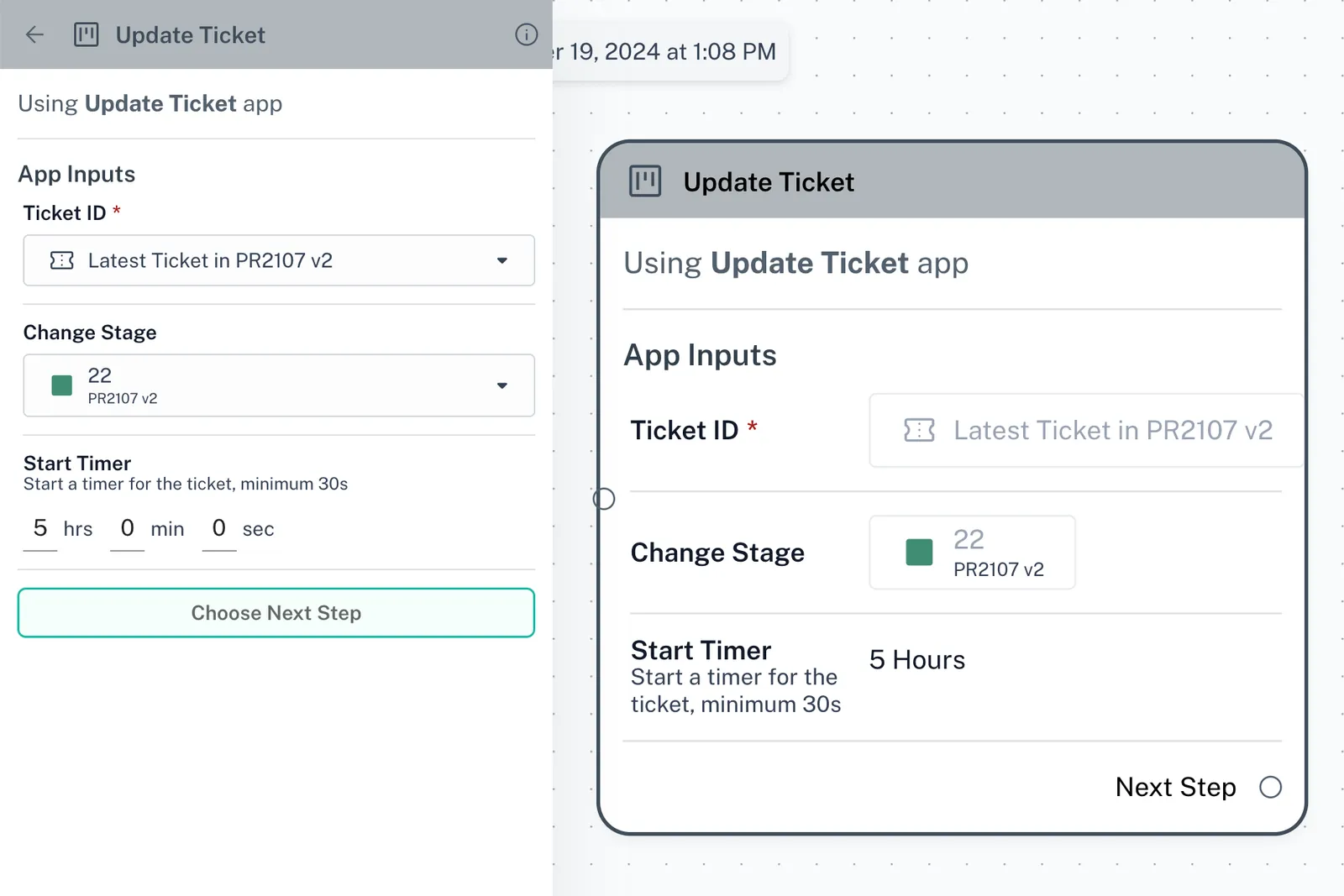
How to use the Update Ticket node
The “Update Ticket” node can be used to automatically update/modify pre-existing tickets in any CRM board. Keep your customer service and support processes organised by ensuring th…
The “Update Ticket” node can be used to automatically update/modify pre-existing tickets in any CRM board. Keep your customer service and support processes organised by ensuring that ticket information is always up-to-date using the “Update Ticket” node
-
Status Updates: Automatically change the status of a ticket based on customer interactions. For example, mark a ticket as "In Progress" when a customer responds to an inquiry.
-
**Timer Changes: **Change the amount of the your teammate has to respond to the client. For ex: If your teammate has already responded but the client has another question, you can add some more time for them to respond